HP Wide Format Printer Software
From HP Mobile Printing to specially designed workflow tools and industry-leading partnerships, the following solutions were created to help you get the most out of your HP DesignJet printer.
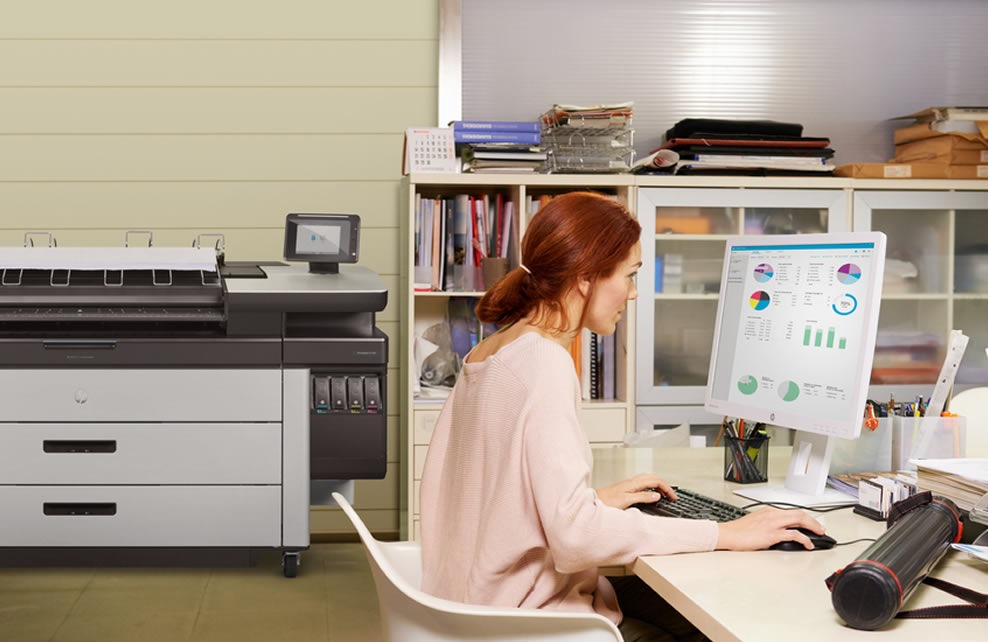
HP Smart Tracker
Track printing data across multiple HP printers. Create consolidated reports to analyse printing costs, or enable reimbursement.
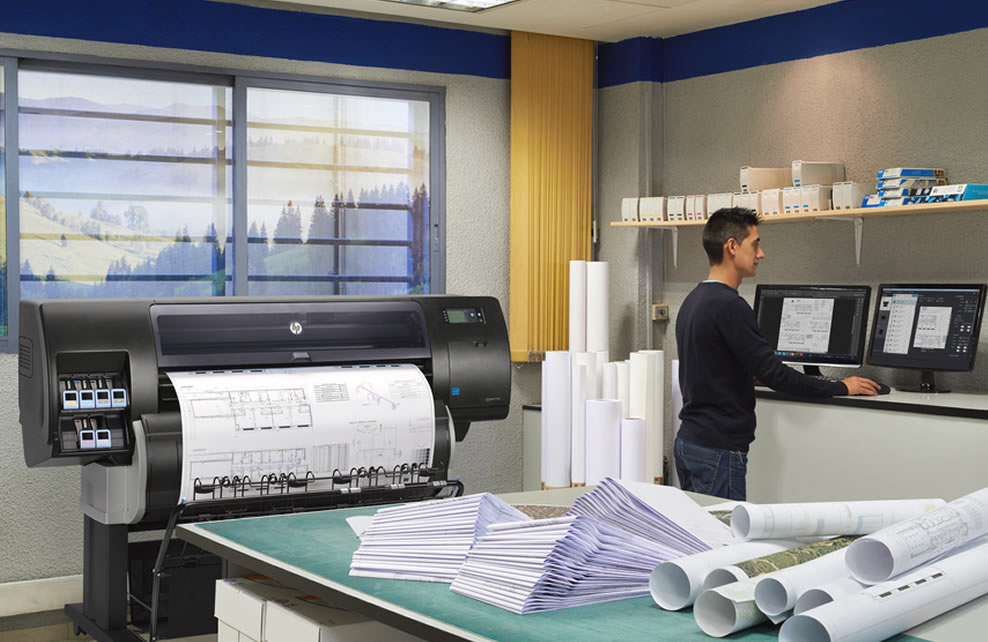
HP Smart Stream
Use SmartStream to meet tight deadlines and streamline production workflow on HP PageWide XL and HP DesignJet production printers.
FREE Software
Print hardware manufacturers want you to get the best out of your investment by providing you with a host of useful software tools, apps and firmware updates.
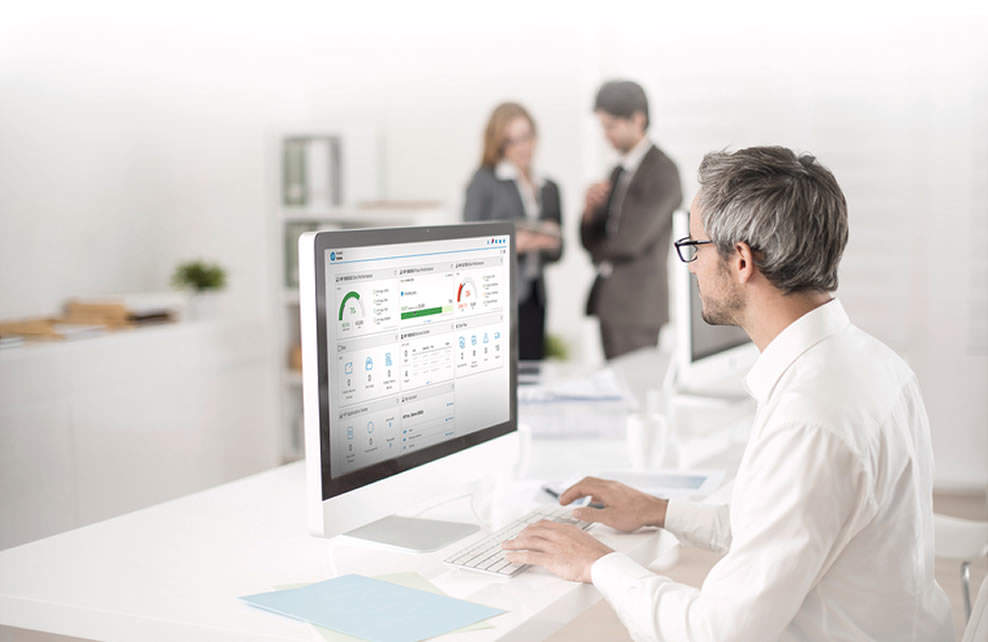
HP PrintOS
Use HP PrintOS to simplify and automate your print production processes and get more out of your HP DesignJet printers.
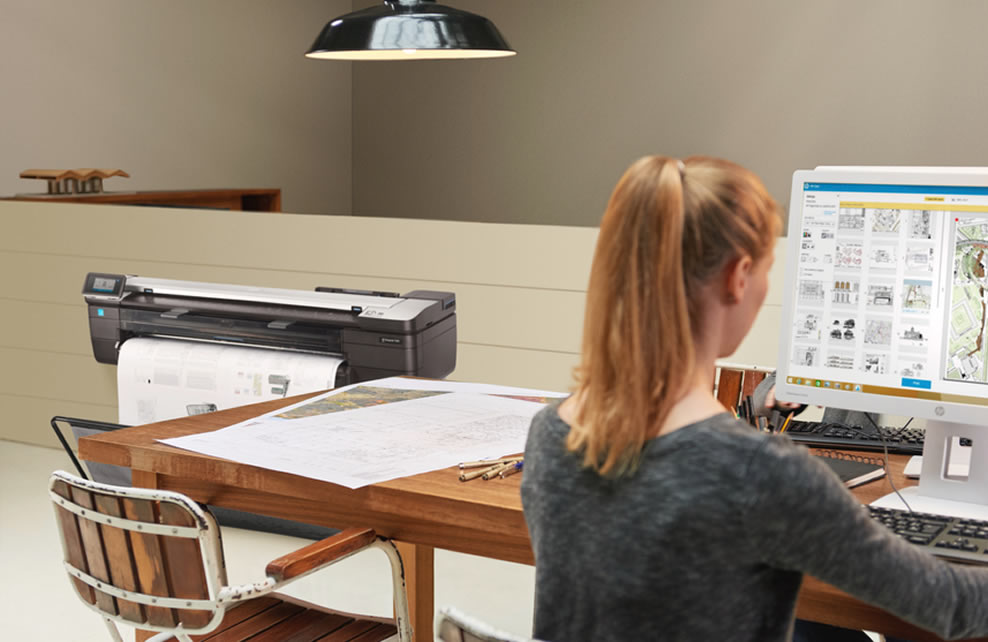
HP Click
Optimise media usage and costs and, with one-click, print the most common file formats from a PC or Mac to HP DesignJet printers.

HP SmartApp
Use this app to connect to your HP DesignJet printer for the easiest way to print, scan and share with your smartphone or tablet.
RIP Software
Onyx RIPCenter – Onyx 22
A fully integrated print & cut workflow that supports hundreds of combinations of devices. Preview, size, crop and tile files, then submit images to production. Eliminate additional printing steps by importing jobs directly into the CUT-Server module with cut-only workflow.
Just released Onyx 22 a new user experience with technologies designed for modern print businesses wanting fast, easy-to-use tools for everyday automation.
New features include:
- Drag-and-drop file handling in RIP-Queue
- Drag-and-drop Quick Sets from the UI
- Smart job submission automation workflow
- Job placement tools for enhanced nesting
- All new ONYX Colour Reference Library
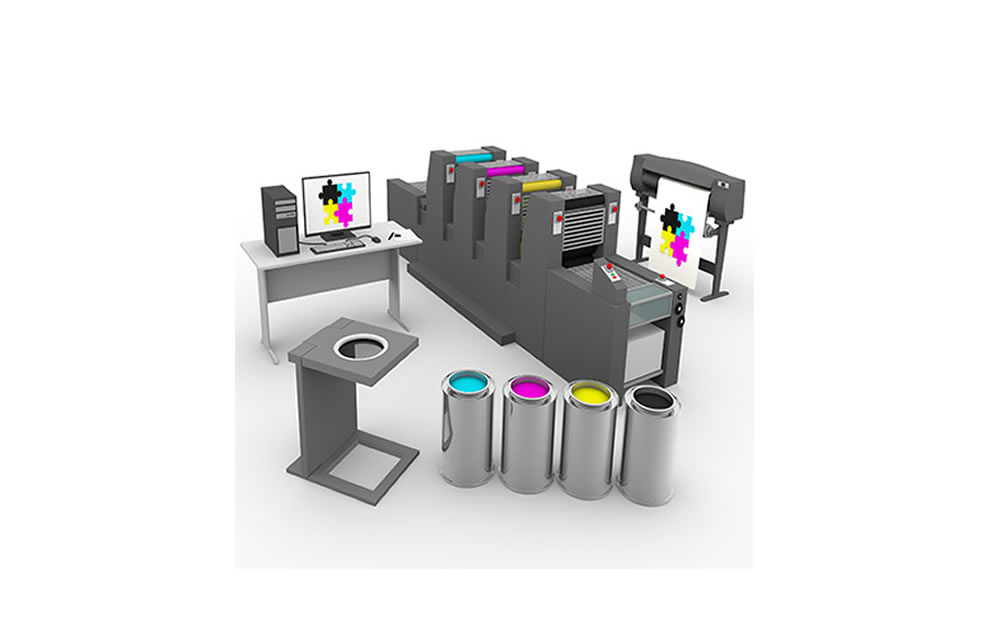
Onyx Thrive
ONYX Thrive enables a true end-to-end PDF workflow from digital file submission through colour management, printing and cutting. The browser-based Thrive Production Manager interface allows users to submit, control and monitor jobs from any PC, tablet or mobile device.
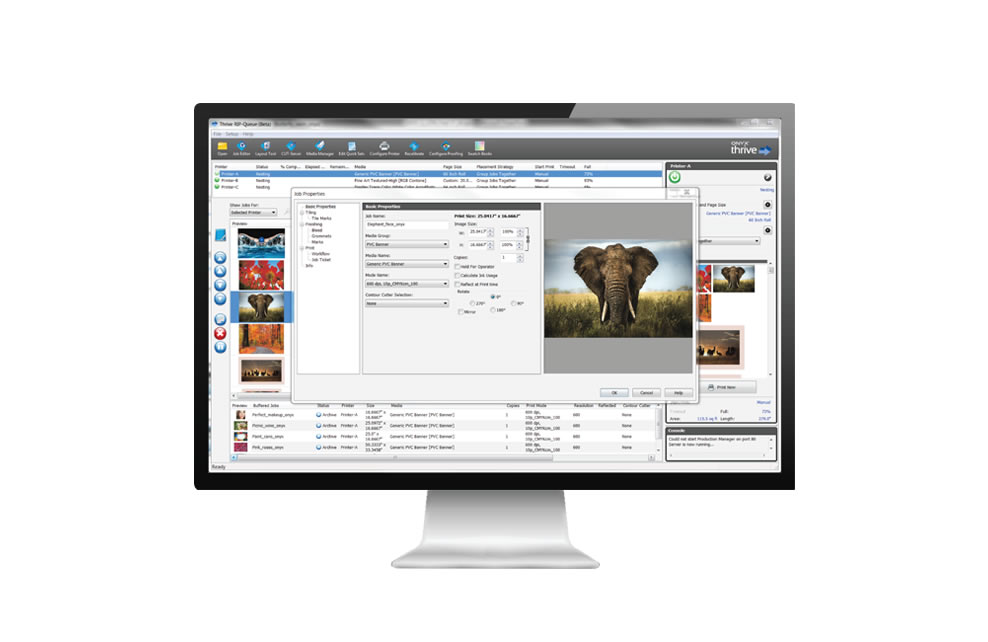
Onyx Postershop
ONYX PosterShop RIP software provides all the tools required to achieve high quality, predictable printed output. Manage multiple devices in a production environment with ease while automating routine tasks to reduce errors and create greater overall efficiency.
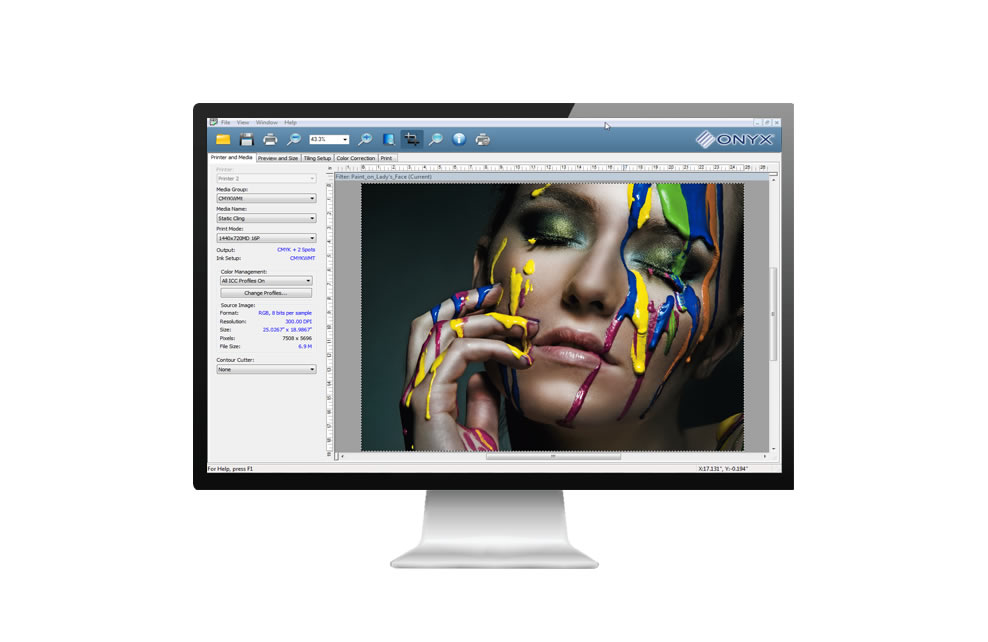
Onyx Production House
ONYX Production House delivers the ability to automate print production and reduce the need for costly manual intervention to do repetitive tasks. Features such as the ability to split multi-page documents and tiled jobs, mean shops can reduce overall turnaround time.
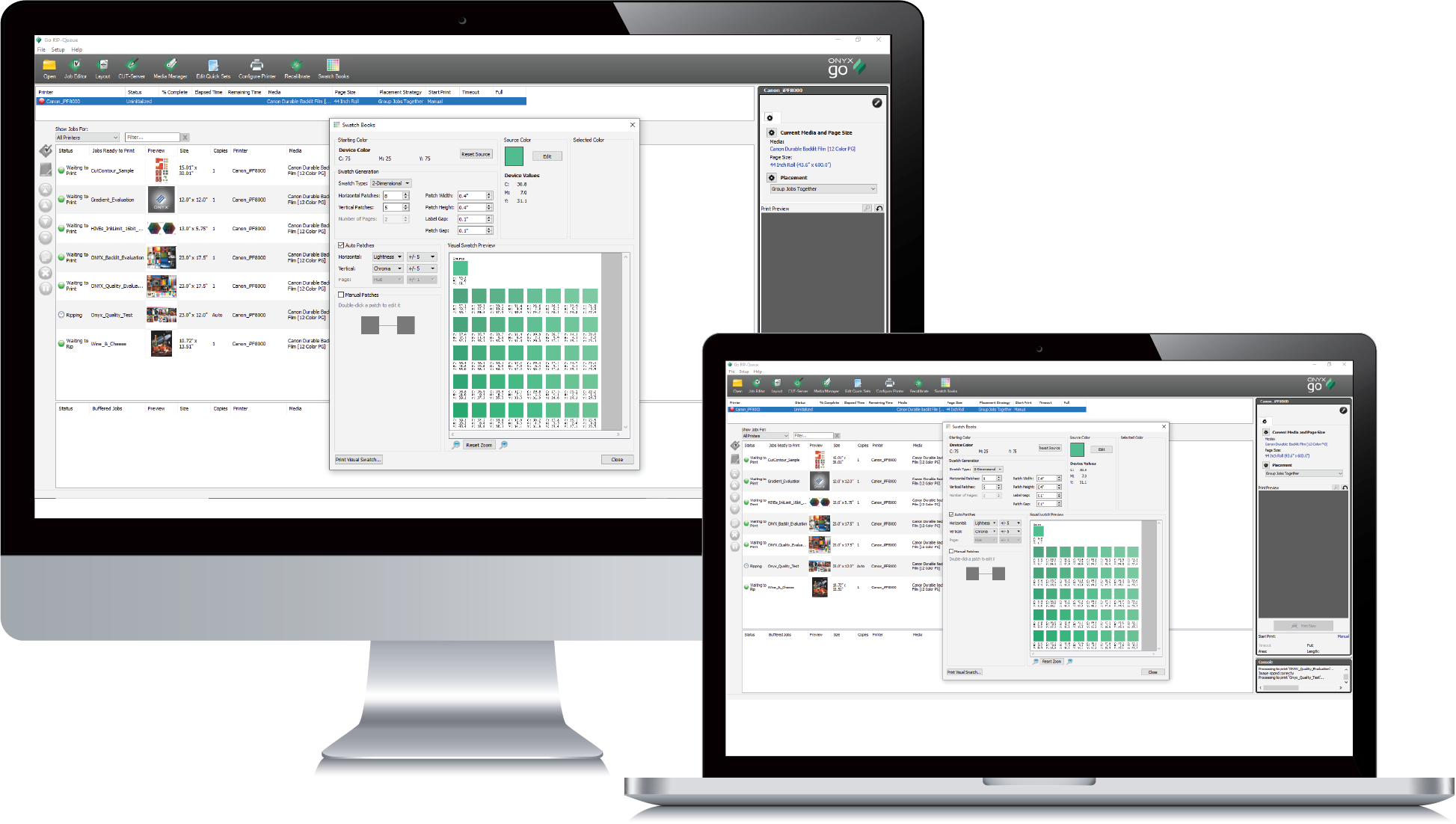
Onyx Go – Subscription RIP Software
ONYX Go is a month-to-month, no contract, ONYX RIP subscription with everything a print shop needs to get started in wide-format printing. Modelled on the same platform as ONYX Thrive, ONYX Go provides the same user experience and available tools delivered as a subscription.
*Requires Windows OS: Microsoft windows 10 Pro 64-bit. Windows 8.1 Pro 64-bit or Windows 7 pro 64-bit

ONYX Go – Lite
Included in the subscription…
- 1 Active Printer
- 2 Simultaneous RIP Processors (RIP Engine) for multiple file-handling
- 1 Job Editor to edit and prepare files before printing
- Unlimited roll-to-roll cutter support
The perfect RIP solution package for the HP Latex 115 / 315 / 335 Printer – see all compatible printers here

ONYX Go – Plus
Ideal for print shops with more than one printer that need greater control over output.
Included in the subscription:
- 2 Active Printer
- 4 Simultaneous RIP Processors (RIP Engine) for multiple file-handling
- 1 Job Editor to edit and prepare files before printing
- Unlimited roll-to-roll cutter support
- Production tools: Swatch Books 2.0, Speciality ink support, Layout Tool, Bleed, Grommets
- Color management tools: Media Manager, DeviceLink+, ICC profiling
The ideal RIP package for the HP Latex 365 / 700 / 800 Printers. See the full list of supported Printers and Vinyl Cutters available here.
If you can’t find what you’re looking for then get in contact with the team.
Summa Cutter Software
Summa cutters use a host of innovative software technology such as their ???

Summa WinPlot
Summa WINPLOT is ????
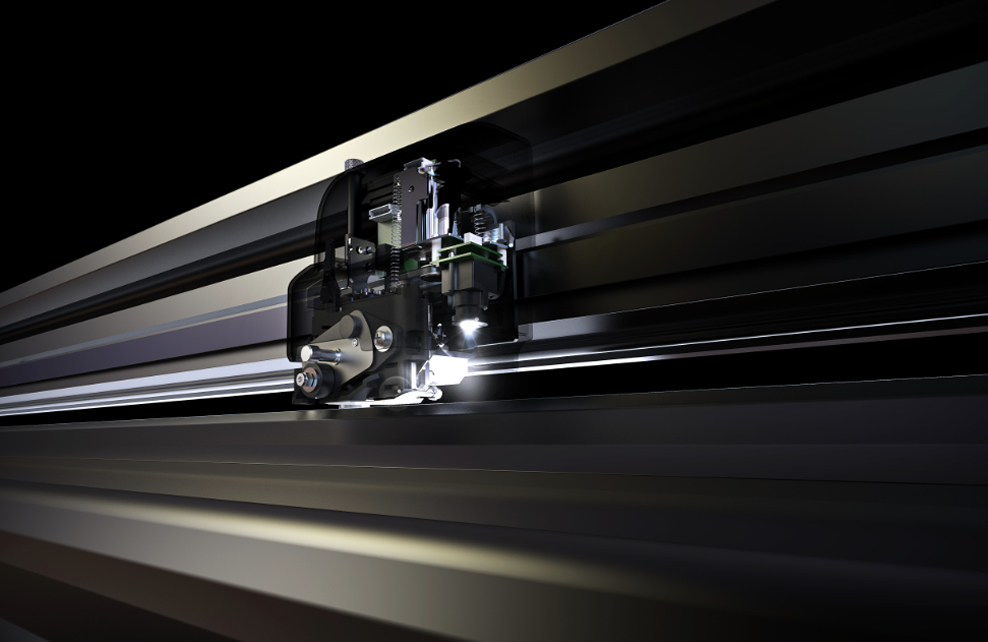
Camera Control
Summa’s unique camera alighnment technology ???